C:\> GEEKTALK /ABOUT
GeekTalk2 – Speak geek.
Turn plain text into Morse code, Leet, fancy fonts, cursed Zalgo or a scout cipher. One tap – in any app on your iPhone and iPad. And GibberLink sends text over sound to another phone – no internet needed.
No ads. No data collection. Everything happens on your phone.
C:\> GEEKTALK /DEMO
Just 7 of 20+ converters. The rest – Vigenère with a key, Magic Decode, the keyboard – lives in the app.
C:\> DIR C:\GEEKTALK\FEATURES
 Directory of C:\GEEKTALK

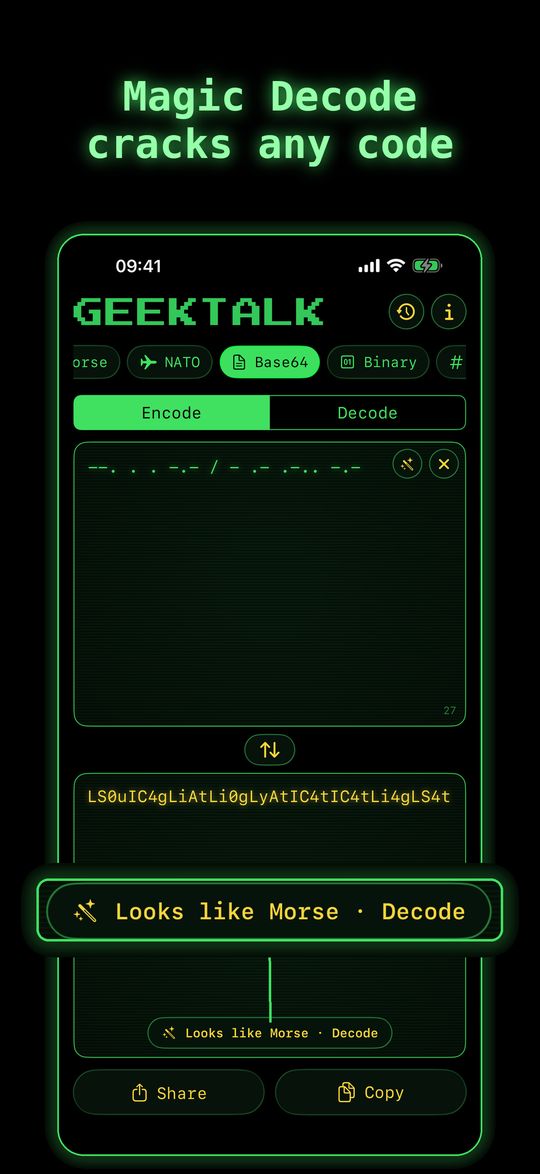
MAGIC    EXE    12288  08-10-26  Paste any code – it figures it out
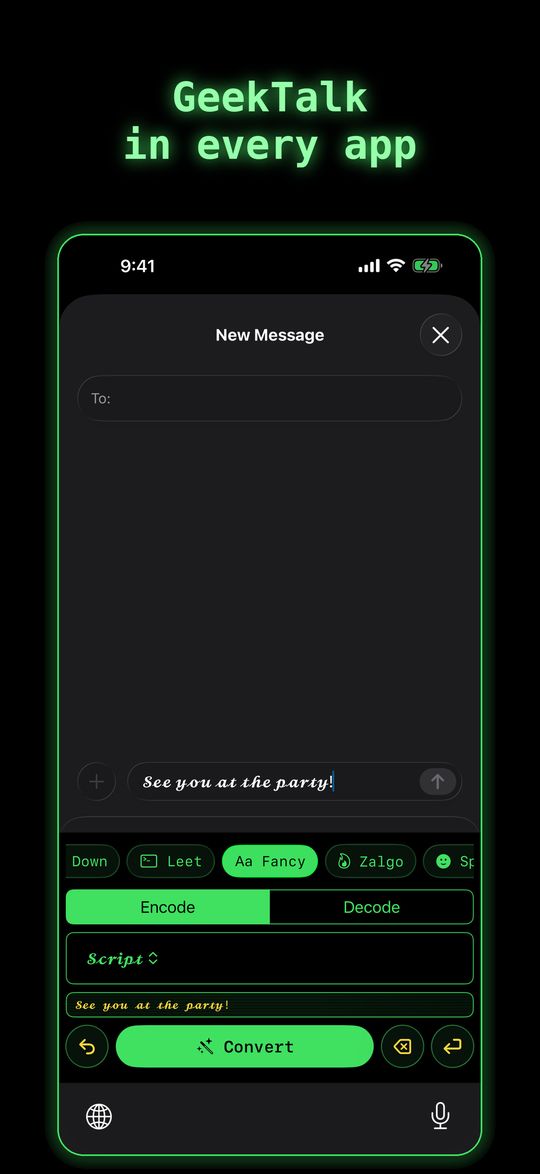
KEYBOARD SYS    16384  08-10-26  GeekTalk keyboard in every app
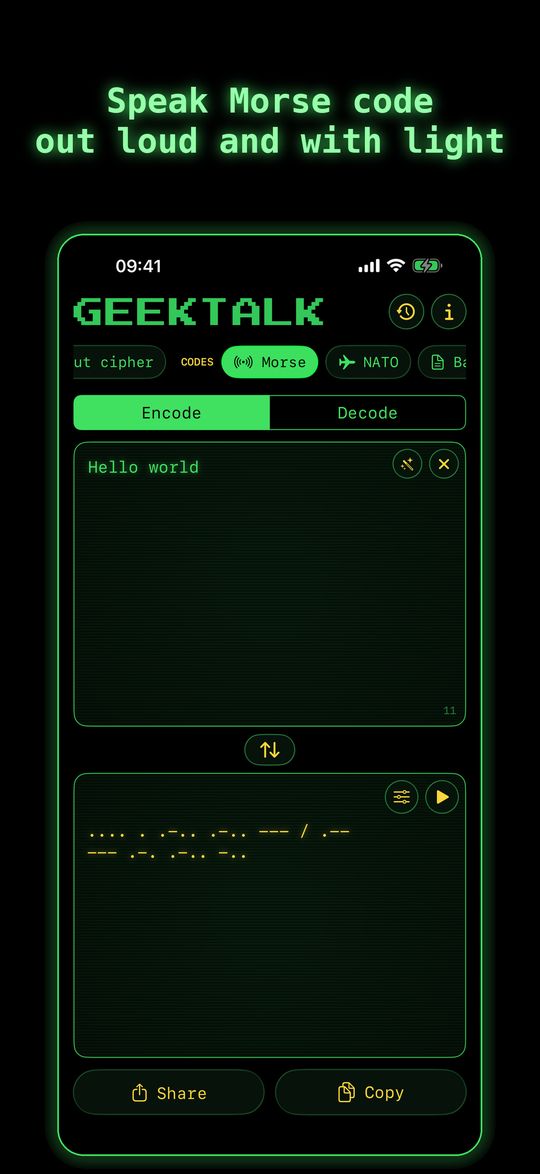
MORSE    COM    20480  08-10-26  Sound, vibration and flashlight
GIBBER   LNK    24576  08-10-26  Text over sound to another iPhone
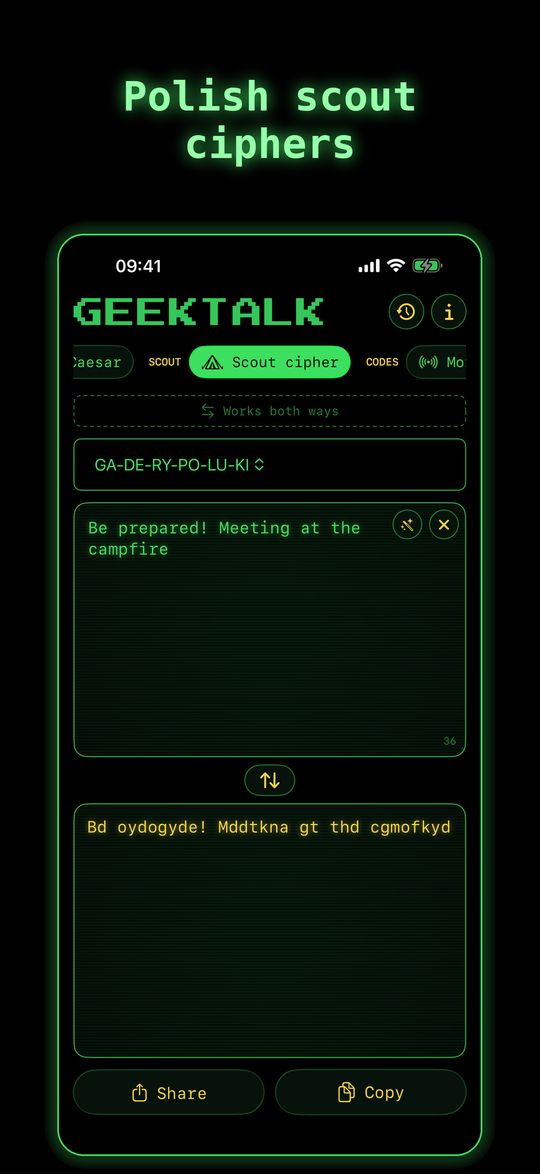
SCOUT    BAT    28672  08-10-26  GA-DE-RY-PO-LU-KI and friends
VIGENERE KEY    32768  08-10-26  Secret messages with a key
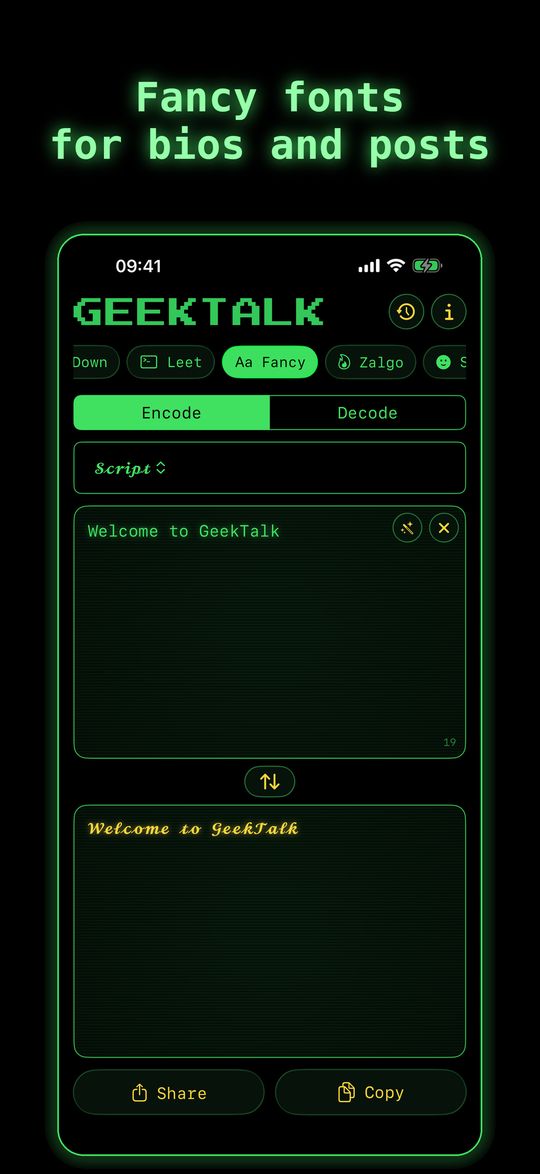
FONTS    TTF    36864  08-10-26  Fancy letters for bios and posts
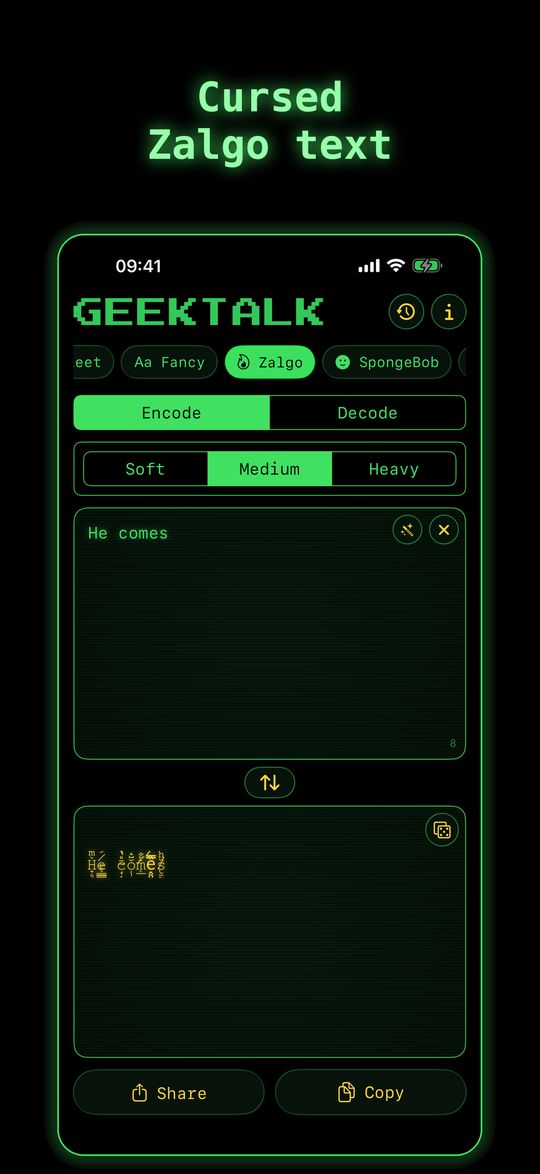
ZALGO    666    40960  08-10-26  Cursed text in three strengths
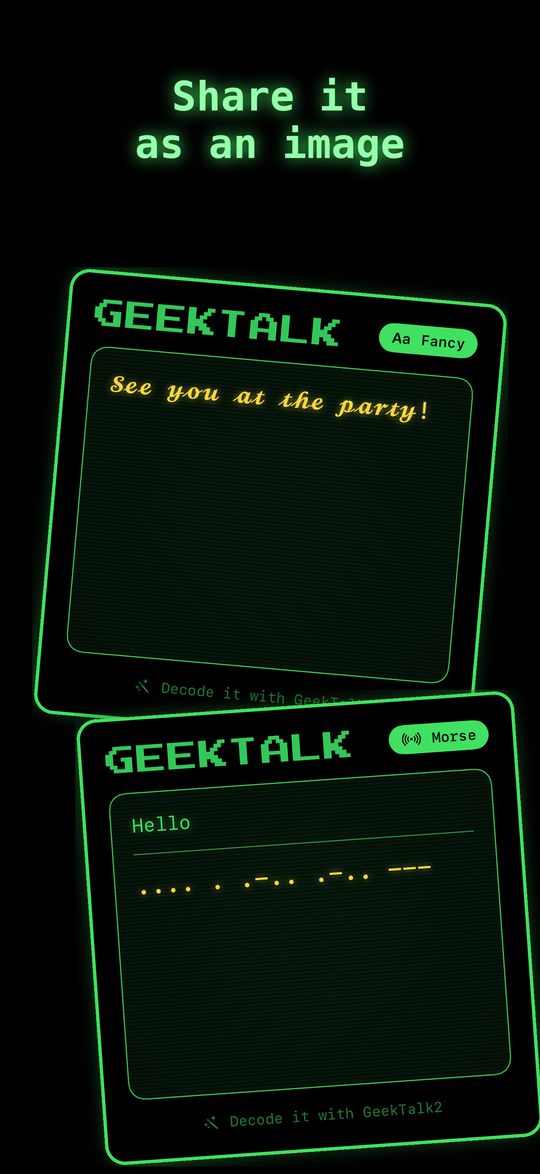
IMAGE    GIF    45056  08-10-26  Results as a retro CRT card
HISTORY  LOG    49152  08-10-26  Favorites and recent conversions
SIRI     DLL    53248  08-10-26  Shortcuts: “Encode text with GeekTalk2”
       11 file(s)       0 bytes of ads
       0 dir(s)        ∞ bytes of fun
C:\> TYPE GIBBERLINK.TXT
Your phone chirps like an old modem and another iPhone with GeekTalk2 hears the signal and shows the text. No internet, no Bluetooth, no pairing.
1. Type a message in the GibberLink tab.
2. Tap Transmit.
3. The other phone, with the GibberLink tab open, receives it on its own.
Modes: normal, fast and ultrasound (nearly inaudible, but short range only).
Share the signal as a WAV file or a video. It speaks the open ggwave format – compatible with Waver. The microphone only listens for the signal; nothing is recorded.
C:\> TYPE SCREENS\*.GIF
C:\> PLAY REEL.MP4
C:\> GEEKTALK /DOWNLOAD
Type HELP and press Enter.